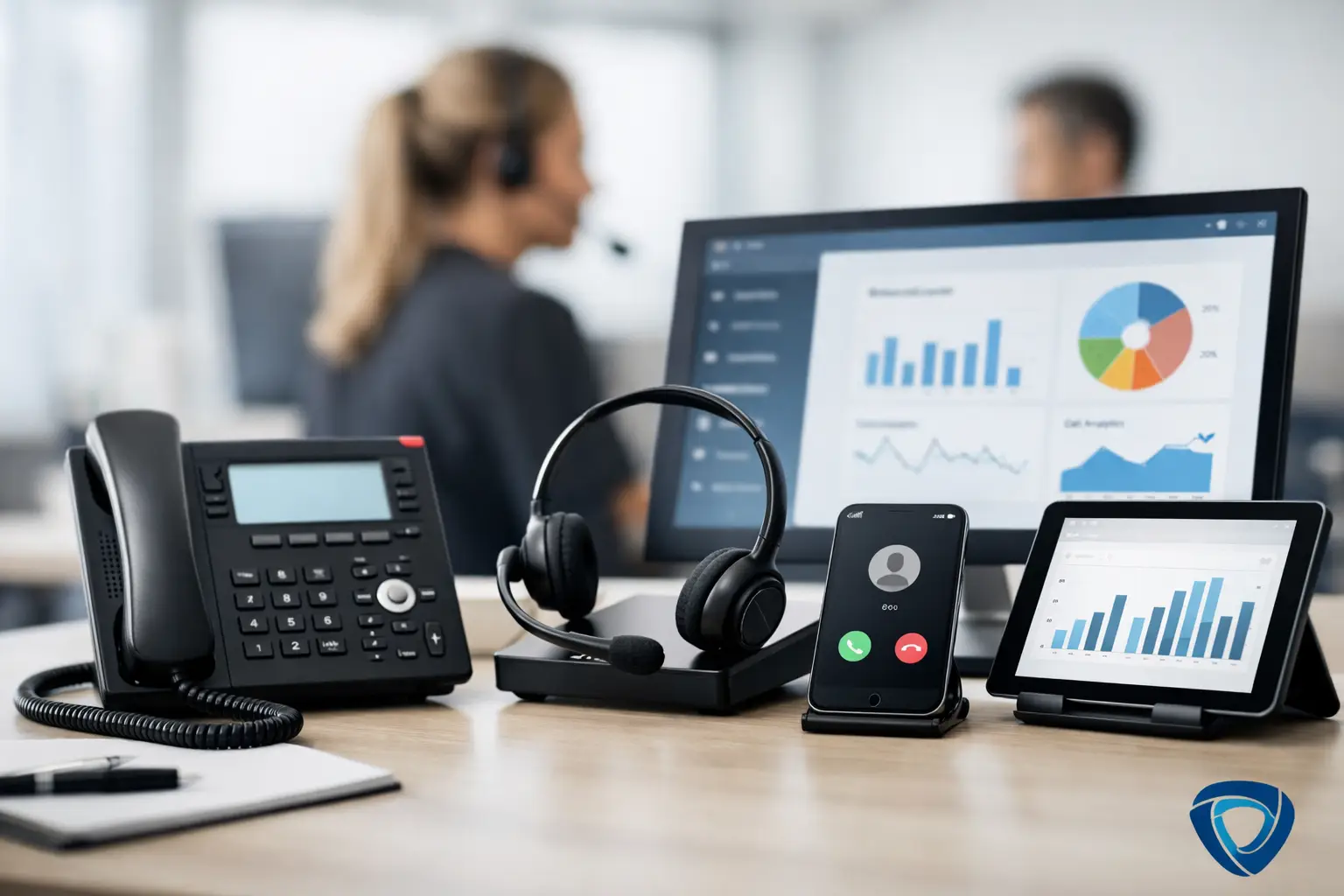
Your phone rings while your team is with a customer, on a job site, or already handling another caller. That is not a minor interruption. It is a live sales opportunity that can disappear in seconds. The best tools for call overflow do more than move calls around. They protect revenue by making sure a ready-to-buy customer gets a useful response when your staff cannot answer.
For local and service businesses, the right choice depends on what must happen after the call is answered. Do you only need a message? Do callers need a quote, appointment, answer to a common question, or help deciding whether to book? The more revenue depends on fast action, the less acceptable a basic voicemail system becomes.
Why call overflow creates a revenue problem
Most businesses do not intentionally ignore inbound calls. The problem is capacity. A dental office has patients at the front desk. A contractor is driving between jobs. A law office is in consultation. A busy restaurant is serving a rush. In each case, a caller who reaches voicemail hangs up and calls the next business 62% of the time.
That loss is larger than one missed job. It can mean a first-time customer who never books, an existing customer who feels ignored, or a prospect who leaves a poor review after a frustrating experience. If you pay for ads, local search visibility, referrals, or a well-built website, every unanswered call weakens the return on those efforts.
A call overflow tool should therefore be judged on business outcomes: how many calls it answers, how accurately it handles the conversation, whether it captures the next step, and how little work it creates for your team afterward.
7 best tools for call overflow
1. AI voice receptionist
For most businesses, a 24/7 AI receptionist is the strongest option because it can answer every call around the clock, not just redirect it. The system greets callers professionally, answers questions, qualifies the request, schedules and confirms appointments, routes urgent issues, captures accurate caller details, records the call, summarizes the call, updates the CRM and notifies staff.
This is a revenue tool, not simply an answering tool. It gives callers an immediate path forward when your staff is unavailable. It is especially useful for businesses with predictable call types, high after-hours demand, or a front desk that regularly gets pulled away from the phone.
Setup includes clear information about your services, hours, service area, scheduling rules, and escalation policies to be effective. Generic scripts produce generic customer experiences. A properly built system produces useful conversations and satisfied callers.
2. Live virtual receptionist services
A live virtual receptionist puts a human agent on the line when your internal team is busy. This can be a good fit for businesses with highly sensitive calls, complicated intake requirements, or situations where callers strongly expect a person from the first second.
The main advantage is human judgment. The main limitation is cost and consistency. Agents may follow scripts well, but they do not always know your business as deeply as an experienced employee or a 24/7 AI receptionist. Coverage can also be limited by plan hours, call volume, and staffing availability.
Choose this route when call complexity is high and the cost of a mishandled conversation outweighs the higher per-call expense.
3. Call queue and automatic call distribution
A call queue holds callers until the next available team member can answer. Automatic call distribution sends calls to the right department, location, or employee based on rules you set. These systems work well when you have multiple people available to take calls and enough volume to justify a formal phone process.
They are useful operational tools, but they do not solve an understaffed front desk. A queue simply asks the caller to wait. If no one is available, the caller is still left without help. Long hold times also create a poor first impression, especially when the caller is trying to book quickly.
Use queues to organize internal capacity, not as your only protection against overflow.
4. Smart call forwarding
Call forwarding routes calls from your primary number to another employee, department, device, or location. It is simple, affordable, and better than allowing calls to ring unanswered or go to voicemail. For a small team, it can provide immediate coverage during lunches, meetings, or short bursts of demand.
Its weakness is that it transfers the interruption rather than solving it. Owners and staff members can end up answering calls while driving, serving customers, or trying to finish critical work. Calls may also bounce between people, leaving the customer frustrated and your team without a clear record of what happened.
Forwarding is best used as a backup layer for urgent calls, not a complete customer-response strategy.
5. Business phone systems with voicemail transcription
Modern business phone platforms often include voicemail transcription, call notifications, shared inboxes, and call records. These features make it easier to see what came in and assign follow-up responsibility. They are a major upgrade over a single office voicemail box that nobody checks until the end of the day.
Still, transcription is not a conversation. It tells you about the opportunity after the caller has already been asked to wait. For low-value or non-urgent calls, that may be enough. For appointment-driven businesses, it usually is not.
This tool is valuable as a visibility layer. It is weak as a conversion layer.
6. Online scheduling and booking software
Booking software gives callers and website visitors a way to choose an available time without waiting for an employee. When paired with a capable call-handling system, it can turn a busy moment into a confirmed appointment instead of a callback task.
The limitation is that scheduling software cannot independently handle every question that comes before booking. Prospects may need to know whether you offer a service, serve their location, accept their insurance, handle an urgent issue, or have a specific type of availability. If the path to an answer is unclear, they may abandon the process.
Scheduling tools perform best when callers can be guided to the right appointment with confidence.
7. CRM and lead-routing automation
A CRM can capture call information, assign the lead, create follow-up tasks, and show your team whether opportunities were contacted. This matters because a call answered poorly is one problem, but a call answered and then forgotten is another.
CRM automation is not a front-line call solution by itself. It works behind the scenes, making sure the outcome of a conversation is visible and actionable. For businesses with several salespeople, locations, or service teams, it is a practical way to stop leads from falling through operational cracks.
Look for a system that records the call outcome clearly: booked, qualified, transferred, follow-up needed, or not a fit. That detail gives management a real picture of what overflow is costing and recovering.
How to choose the right call overflow system
Start by reviewing a week of inbound calls. Identify when calls are missed, why they are missed, what callers usually want, and which calls turn into revenue. Do not make the decision based only on total call volume. Ten missed emergency repair calls can matter more than 100 routine inquiries.
Then ask a more useful question: what should happen during the first interaction? If the answer is "take a message," basic phone tools may be sufficient. If the answer is "answer questions, qualify the caller, and secure the booking," you need a more capable response system.
Your selection should also account for after-hours demand. Many businesses lose their most valuable calls outside normal office hours, when competitors are unavailable and the caller wants immediate help. 78% of callers do business with the first business that responds. Not the best, not the biggest, not the cheapest, just the first to respond! A 24/7 response can be the difference between being the first business contacted and being the one they call after someone else fails to answer.
Finally, measure results. Track answered calls, booked appointments, qualified leads, abandoned calls, and revenue connected to inbound conversations. Without these numbers, call overflow feels like an annoying staffing issue. With them, it becomes a clear revenue growth opportunity.
The tool that matters is the one that moves the caller forward
The cheapest option is often a voicemail box, but often times this proves to be the most expensive solution when lost opportunities are calculated. The right system should match the value and urgency of your calls while reducing the burden on your staff.
Digital Workforce 360 approaches overflow and after hours coverage as revenue recovery: an AI Growth System can provide an always-on receptionist while supporting the consistent customer experience that leads to more bookings and stronger reviews. The goal is not to add another dashboard for your team to manage. It is to make sure every caller gets a professional next step.
When your business cannot answer every call personally, the next best move is not asking customers to wait. It is giving them a response that earns their business while they are still ready to buy.
If your business relies on the phone and your website to capture new opportunities, take a few minutes and watch our free on-demand "Why Reviews, Voicemail and Website Forms are Killing Your New Opportunities" webinar at: webinar registration. This webinar is a terrific investment of your time! Watch to the end for a huge webinar bonus.